Why an AM.CO.ZA machine holds its value when you sell it on
A machine keeps its value for one reason: the next owner can still use it. That means they can still buy its parts, still get help, still learn the software and still check its history. AM.CO.ZA builds all four into every machine it sells. Its online store, Buythis, lists more than 900 spare parts for AM.CO.ZA's own machines (1,146 spare-part results on the public spare-parts page when we checked), and more than four in five of the groups we sampled were in stock. Every machine has a barcode that anyone can check at am.co.za/status. Support on WhatsApp works from that barcode, and free software videos plus online courses at AM.CO.ZA's Ambitious Academy are there for its first owner and every owner after that.
Service and spares are where AM.CO.ZA pulls ahead of a once-off import. It has a Johannesburg repair workshop, remote help on your own computer, and technician callouts through its service division, Machine.Africa. Prices are already sharp: AM.CO.ZA's public prices are Cheers VIP prices, 20% below list. Capable buyers can save more with barebone units sold at cost.
If the budget is the problem, AM.CO.ZA can prepare a quotation for a funder, for bank asset finance or for lay-by, so you can pay in portions. If you need time, the free videos, courses and Ephraim AI let you learn before you spend anything.
This article covers resale value. Our companion pieces cover service and spares, what you get for the price and budget, finance and time to decide.
What "holding value" really means for a machine
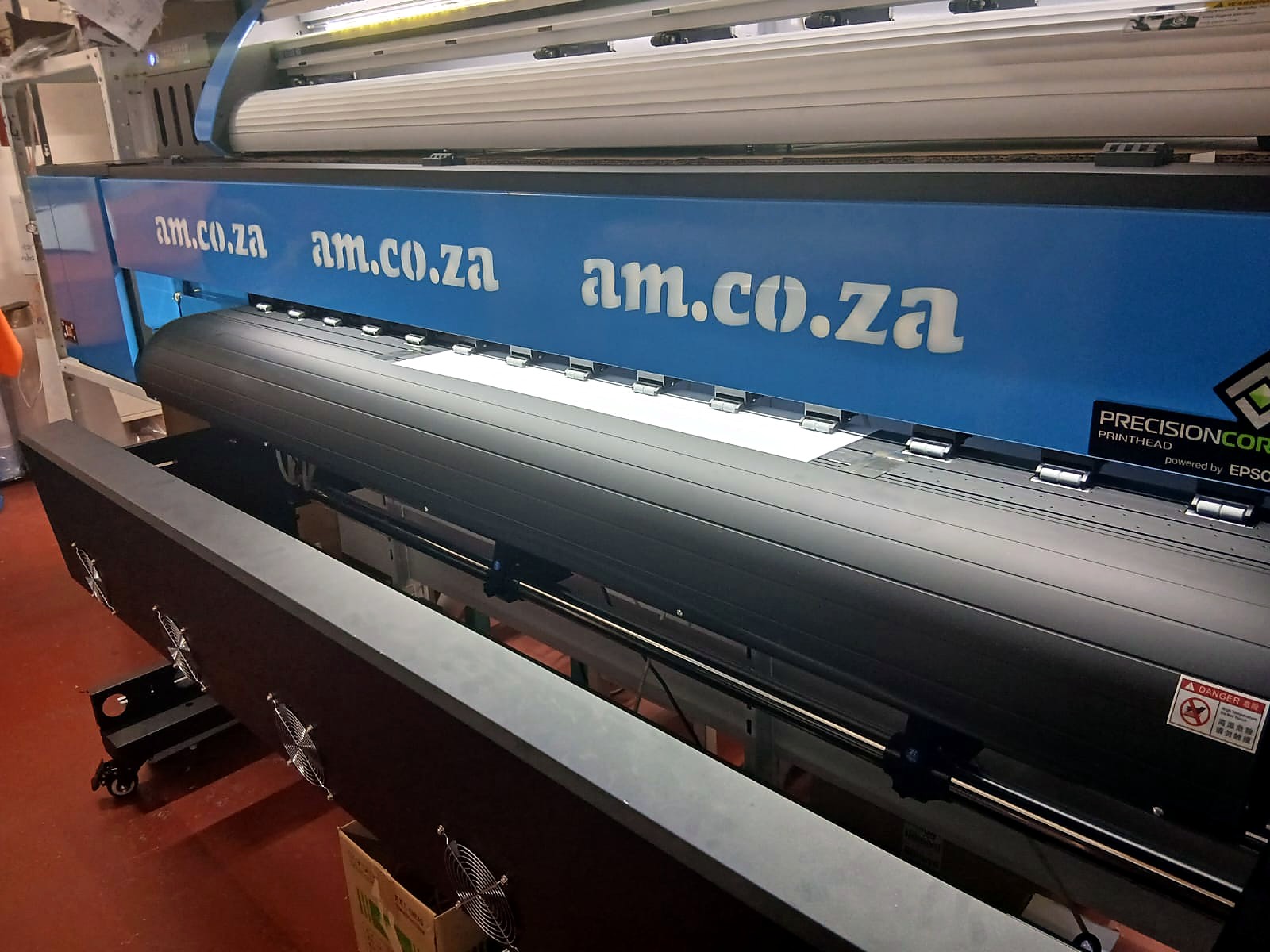
Accountants call the loss of value over time depreciation. What's left at the end is the residual value. On a balance sheet, depreciation follows a formula. In the real second-hand market, the price is simpler: it's whatever the next buyer believes the machine can still earn for them.
That belief depends on four practical questions:
- Can I still get parts? A printer with no source for its printhead, dampers or cap station is close to scrap, however good it looks.
- Can I still get help? A buyer who can't install the driver or set up the software can't take paid work.
- Can I learn to use it? A machine only earns money for someone who knows how to run it.
- Can I check what I'm buying? A buyer will pay more for a machine with a traceable history than for one that comes with "trust me, it works".
We don't publish resale figures. Prices on the second-hand market depend on the machine, its condition, how it was used and how badly the buyer needs one. What we can show is what AM.CO.ZA does on each of those four questions. Those answers decide whether a used AM.CO.ZA machine is still a working asset or a gamble.
How the tax rules see a machine's working life
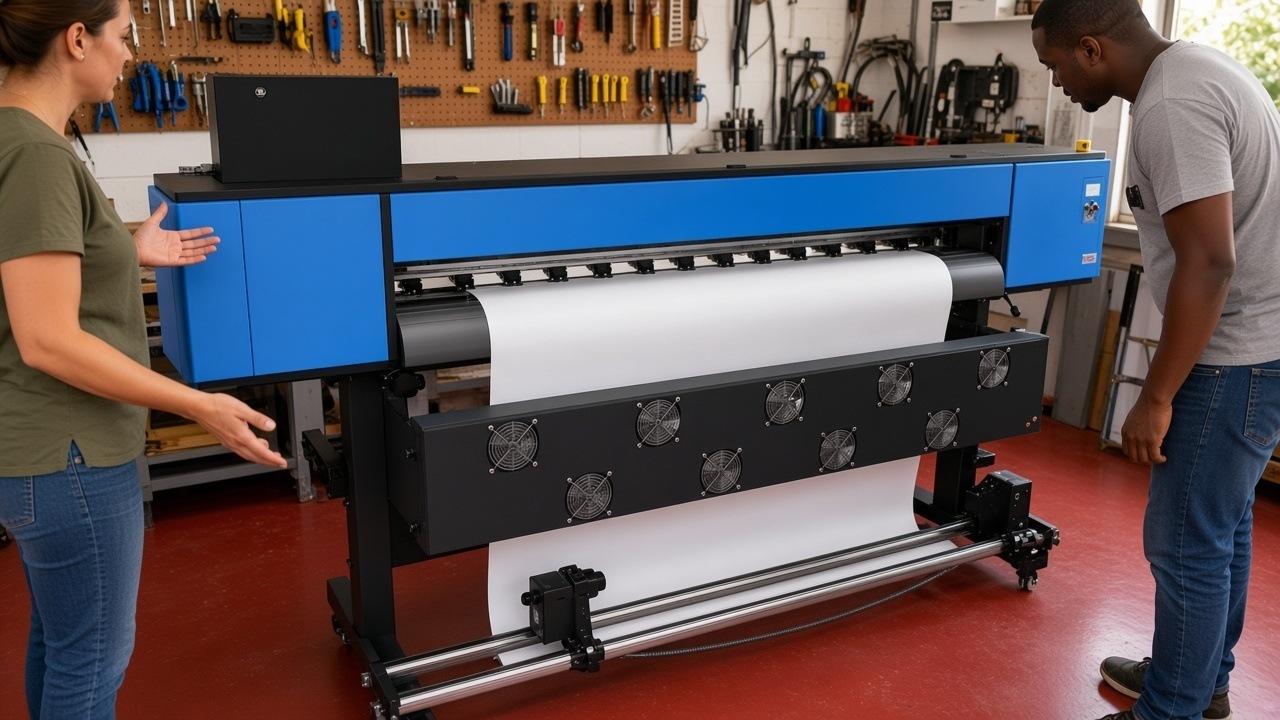
South Africa's tax rules give a useful second view of how long a machine is expected to keep earning. Under section 11(e) of the Income Tax Act, a business can claim a wear-and-tear allowance on machinery, plant and tools it owns and uses in its trade. SARS Interpretation Note 47 sets out how that allowance works. Its annexure is a schedule of write-off periods SARS will accept, and it's also published as Binding General Ruling 7. A few entries in that schedule are close to the machines in this article:
| Asset in the SARS schedule | Write-off period acceptable to SARS |
|---|---|
| Engraving equipment | 5 years |
| Ironing and pressing equipment | 6 years |
| Compressors | 4 years |
| Generators (portable) | 5 years |
A write-off period isn't a prediction of when a machine stops working. It's an accounting convention for spreading the cost. A well-kept laser or press often keeps working long after it has been written off in the books. That gap between book value and working value is what a second-hand buyer pays for. The longer a machine can still get parts, help and training, the bigger that gap stays.
Small businesses may get faster relief. A company that qualifies as a small business corporation can write off plant or machinery used directly in a process of manufacture in full in the year it's first brought into use. Other qualifying assets can be written off over three years at 50%, 30% and 20%. The law is in section 12E. If you sell a machine you've written off, part of the selling price can be taxed as a recoupment, which SARS's note also explains. Ask your accountant how this applies to your business before you buy or sell.
The questions second-hand buyers ask first
In AM.CO.ZA's sales chats, "I'm also looking at second-hand machines or other suppliers" is one of the four most common reasons clients give for holding back. With personal details removed, the same questions come up again and again:
- "If I buy a used AM machine, do you still have spares for it?"
- "I bought this setup from someone else. Can you help me get it running and tell me what software to install?"
- "Do you sell second-hand or refurbished machines?"
The first two questions get to the heart of resale value. The third is about AM.CO.ZA's own catalogue: Buythis lists new machines, not a second-hand or trade-in programme. That matters for resale too, because each AM.CO.ZA machine on the used market started life with a known supplier, a known model code and a known record.
1. The parts stay on the shelf
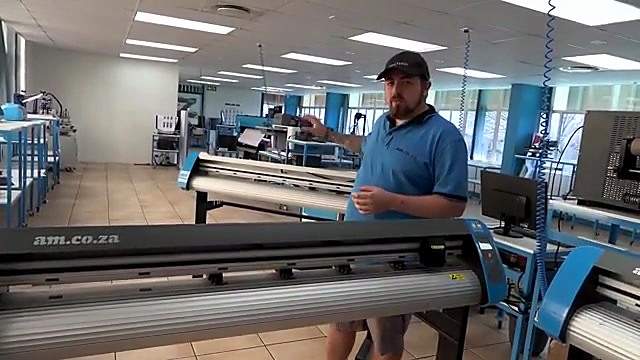
AM.CO.ZA and Buythis sell only AM.CO.ZA's own machines and the spares for them. So the parts catalogue is built around the machines AM.CO.ZA has actually sold, not around whatever happens to be available that month. A spare part on the shelf in South Africa is what keeps a used machine working, so this is the biggest single factor in resale value.
When we went through the Buythis spare-parts catalogue for this article, it listed more than 900 spare parts for AM.CO.ZA machines in the groups below, and more than four in five of those group samples were in stock:
| Part group | Listings | Share in stock |
|---|---|---|
| Electrical parts: power supplies, sensors, switches, relays, drivers, connectors | about 290 | more than 4 in 5 |
| Mechanical parts: bearings, belts, linear blocks, reducers | over 100 | about 4 in 5 |
| Printer ink-system parts: dampers, caps, pumps, tubes, tanks, filters | over 100 | about 4 in 5 |
| Printheads and head cables | over 30 | about 3 in 5 |
| Printer boards | nearly 30 | about 9 in 10 |
| CO2 laser optics: lenses and mirrors | nearly 70 | more than 9 in 10 |
| CO2 laser tubes and laser power supplies | about 30 | about 2 in 3 |
| Fibre laser nozzles and nozzle parts | over 80 | all |
| Plasma torch consumables | about 70 | more than 9 in 10 |
| CNC router parts: collets, clamps, spindle and dust parts | over 60 | nearly 3 in 4 |
| 3D printer parts | nearly 30 | about 4 in 5 |
| Heat press parts: motors, handles, elements, controllers | over 30 | about 4 in 5 |
Stock moves every day, so always check the live listing before you buy. The point is the pattern: the wear parts that decide whether a used machine runs next week are listed, and most are on the shelf.
Printers: DTF, UV-DTF, UV flatbed and large format
An inkjet printer wears out in a predictable order: the cap station and wiper first, then the dampers, then the printhead. Ink pumps, encoder strips and sensors follow later. For AM.CO.ZA's printers these parts are listed on Buythis:
- XP600 printhead, silicon sealed, used on many AM.CO.ZA DTF, UV-DTF and large format printers. AM.CO.ZA's technicians seal the head's circuit board against ink before it's sold. The video Presealed Printhead from AM.CO.ZA shows why: a drop of ink on the head's board can short it and ruin the head.
- XP600 cap kit and XP600 ink damper
- UV ink dampers for i1600 heads
- Diaphragm ink pump for FastCOLOUR printers
- Encoder strip and optical origin sensor
- XP600 carriage board and the printhead power supply

CO2 lasers
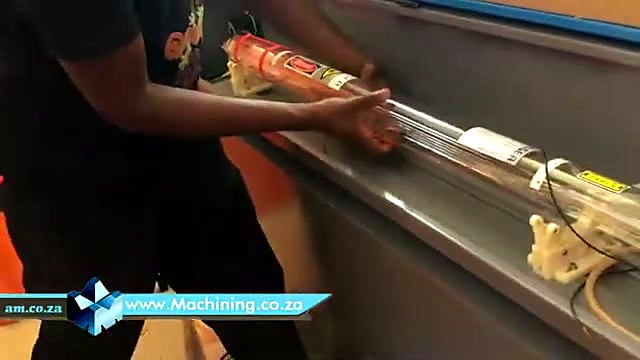
A laser cutter's beam travels through mirrors and a focus lens. Those optics get dirty and eventually need replacing. The glass laser tube wears out with use. For AM.CO.ZA's TruCUT lasers:
- 25 mm silicon laser mirror
- 20 mm ZnSe focus lens
- Magnetic limit switch. The video Change Magnetic Proximity Sensor on CNC Laser Cutter shows how to fit one.
CNC routers
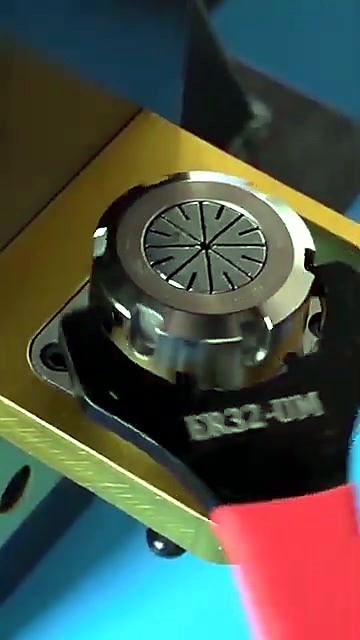
A CNC router wears collets, clamps, bearings and dust-extraction parts. AM.CO.ZA lists router parts such as the T-slot clamping kit and bearings like the 6014RS bearing. The video Install 12mm Tooling on ER25 Collet for EasyRoute CNC Routers shows a tooling change step by step.
Fibre lasers, plasma cutters and heat presses
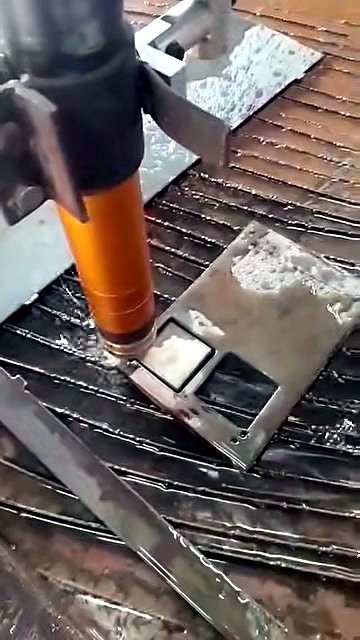
Fibre laser cutters use up nozzles and protective lenses. Plasma cutters use up torch tips and electrodes. Heat presses need elements, controllers and handles over the years. AM.CO.ZA listed over 80 fibre nozzle parts, about 70 plasma consumables and over 30 heat press parts when we checked. That's why a main-range press like the Heatware 380 × 380 mm clamshell stays repairable for years.
2. Every machine has a barcode and a public status page
Each AM.CO.ZA machine carries a barcode. Anyone can enter it at am.co.za/status to see which services the machine still qualifies for, such as consultation, remote assistance, training, drop-off repair or a technician callout. If a machine has no barcode at all, the owner can email barcode@fulfillment.co.za with the purchase details.
For a second-hand buyer this is a real advantage: you can check a machine before you pay for it. A seller who hands over the barcode, with a status page that shows what the machine still qualifies for, has a far easier sale than one who can only say "trust me".
AM.CO.ZA's own voetstoots guide says machines sold voetstoots (as is) come without warranty or service. That protects buyers from paying full value for a machine that support can't help with.
3. The support line still knows the machine
AM.CO.ZA's support WhatsApp, 060 600 7000, works from the machine's barcode. With it, support can see what the machine is and what it qualifies for. Depending on the machine, that can include:
- Remote assistance on your computer for drivers and software, through AM.CO.ZA's remote support app at am.co.za/remote.
- Drop-off diagnosis and repair at the Johannesburg workshop, booked at am.co.za/dropoff.
- Technician callouts through Machine.Africa, AM.CO.ZA's service division for installation, maintenance and repair of AM.CO.ZA machinery. Callouts can also go out from Cape Town.
The video Machine.Africa Provides In-house Services & Call-out for All AM.CO.ZA Machinery lists the machine types that division looks after: large format and DTF printers, vinyl cutters, fibre laser cutters and markers, CO2 lasers, plasma cutters, CNC routers, and laser cleaning and welding machines.
New owners do use this. One Google review comes from a client who bought their machine from a previous owner and praised AM.CO.ZA's support.
4. The know-how comes with the machine, free
A used machine is only useful if the new owner can run it. AM.CO.ZA publishes short, free software training videos for its machine lines at softwaretraining.co.za. They cover RouterCAM for CNC routers, VinylCut and FlexiSTARTER for vinyl cutters, InkRIP and FlexiPRINT for printers, FabriCAM for plasma, and more. You can also ask for a video on a topic that isn't covered yet.
For deeper training there's AM.CO.ZA's Ambitious Academy, with online courses and matching certifications:
- DTF Course, online
- Sublimation Course, online
- Vinyl Cutting Course, online
- Large Format Printing Course, online
- ICC Profiles Course, online
- CNC Router Course, online
- Laser Welding Course, online
A second owner learns from the same material as the first, so the know-how doesn't leave with the original buyer. For quick answers, message AM.CO.ZA support on WhatsApp (060 600 7000) or use am.co.za/contact.
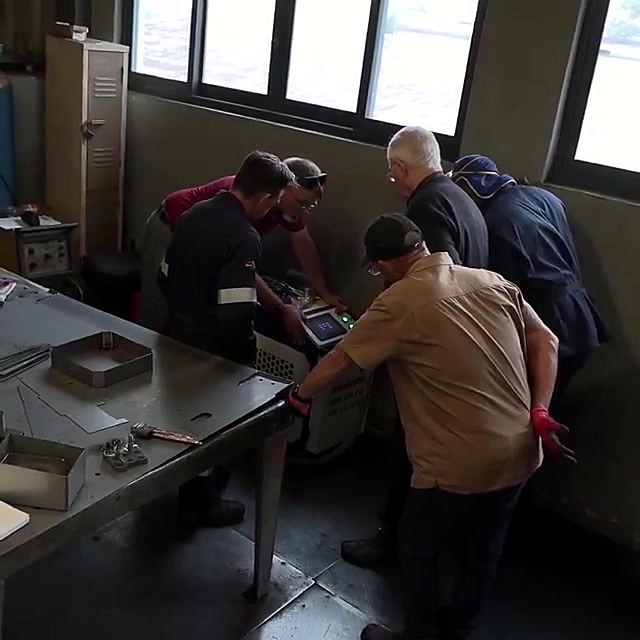
Training that stays with you: Ambitious Academy
A machine can be sold. Skills stay with the person who learned them, and a buyer who can show a certificate gets more out of any machine they own. That's why AM.CO.ZA sells education as well as machines.
Ambitious Academy is AM.CO.ZA's own training school. It calls itself a "School of Industry 4.0" and is powered by am.co.za. It offers free and paid courses, online courses you can take at any hour, in-person training, exams and digital certificates. The full list is on its online courses page.
What you can study:
- Online courses with matching certifications in DTF printing (certification), large format printing (certification), vinyl cutting (certification), sublimation (certification), CNC routing (certification), ICC profiles and colour management (certification), laser welding and VEST.
- Study tracks. The Practical Class is hands-on, with real projects and visits to working sites. The Machine Class covers how CNC machines work, with skill assessments and certifications. The Graphic Class teaches CNC software, programming and project files. Business Compass covers running a CNC business, best practice and networking.
- The Digital Machine Age (DMA) Specialist programme. DMA is a hands-on, two-month course for school-leavers with basic IT knowledge. It teaches learners to operate, maintain and understand CNC and digital printing machines.
The courses go deep. The DTF course has seven modules, covering industry and safety, machine anatomy and maintenance, InkRIP and PrintEXP software, workflow and pre-press, and application techniques. The CNC router course runs from design and toolpaths to machine setup, cutting, safety and maintenance, using CorelDRAW with RouterCAM, Vectric Aspire and Fusion 360. The vinyl cutting course covers choosing and running a cutter, design and cutting software, weeding and transfer, and a start-to-finish demo project.
For resale, training helps both sides. The seller has run the machine properly, so it changes hands in better shape. The new owner can take the same online course and get the same certificate as the first. AM.CO.ZA's DTF printer packages include the DTF course for free.
Why grey imports struggle on the second-hand market
A machine bought directly from an overseas factory, or from a stock of pre-imported machines with no local backing, is often called a grey-market machine. It can look cheaper on day one. On the day you try to sell it, the questions from earlier in this article catch up with it.
AM.CO.ZA's own guide to voetstoots deals and imports lists what tends to be missing when you import directly:
- A warranty you can enforce. A warranty is a legally binding promise, but enforcing one against an overseas seller is often impractical.
- Licensed software. The guide notes that software supplied with imported machines is often pirated, and hard to use beyond the few functions a trainer showed you.
- Local parts. Spares have to be ordered from overseas, one shipment at a time.
- Local help. Remote help may come from a different time zone, in another language, and only for a limited time.
Each of those is a question the next buyer will ask. A machine with an AM.CO.ZA barcode answers them: the status page shows its services, the parts are listed on Buythis, and the software comes with training videos. Every AM.CO.ZA machine also keeps access to free resources: CNCU.CO.ZA, a repository of software, drivers and manuals that holds more than 200 GB and needs no registration; SoftwareTraining.co.za; SortIT.co.za for installation, maintenance and problem-solving videos; and Buythis spare parts for spares.
This is the practical side of the right to repair debate. A machine can only be repaired if parts, manuals and know-how exist. Machines built around parts that disappear, sometimes called planned obsolescence, lose value fast. Machines with a parts shelf and public manuals keep theirs.
5. Genuine parts keep the machine's record clean
AM.CO.ZA's genuine parts policy is clear. To keep a warranty, guarantee or service plan, a machine may only be serviced or repaired with AM.CO.ZA genuine parts and run on AM.CO.ZA genuine consumables, unless AM.CO.ZA has approved something else in writing. AM.CO.ZA's own guide to genuine parts makes the resale point directly: genuine parts help a machine keep its value, which matters if you plan to sell it later.
There's a practical reason too. An original part fits and behaves as the machine was designed. A mismatched damper or an ink of unknown chemistry can damage a printhead and leave the next owner with a fault nobody can trace. A seller who can say "always genuine parts, always genuine ink" is offering a machine that AM.CO.ZA can still diagnose and repair.
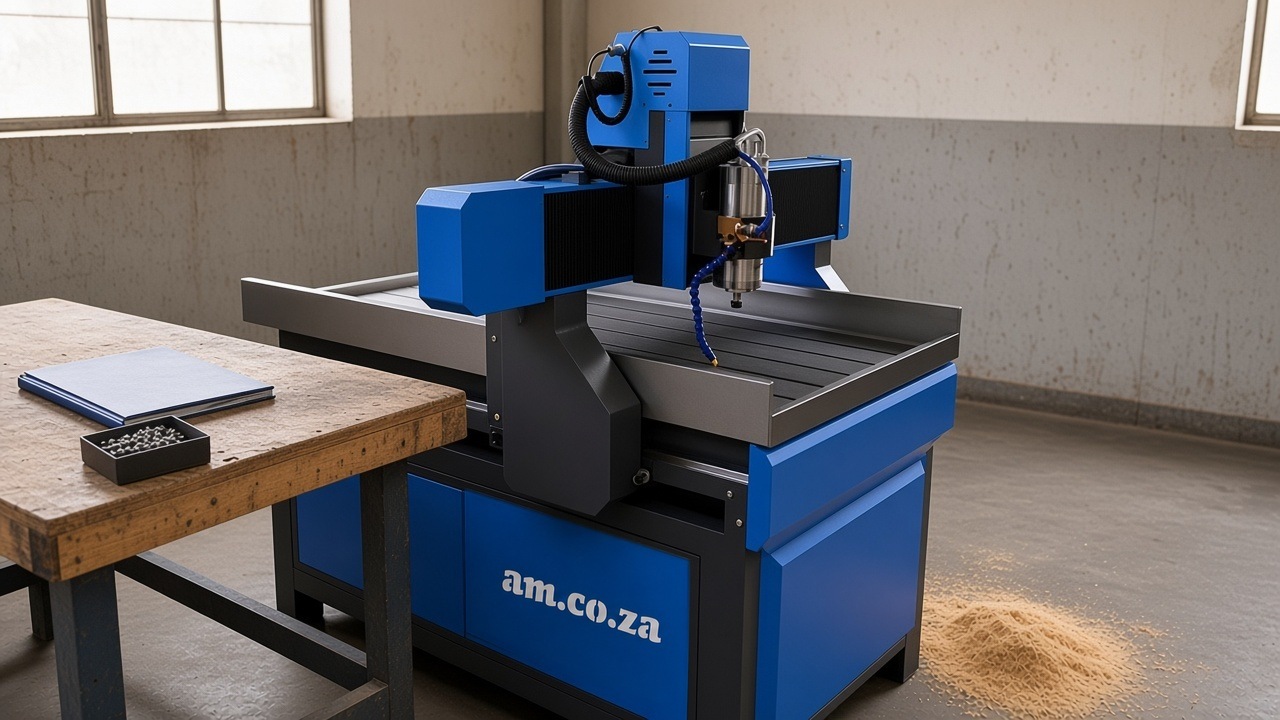
Care habits that protect resale value
The machines that sell well second-hand are the ones that were looked after. None of these habits is expensive, and AM.CO.ZA's videos show most of them:
Printers
- Cap the printhead whenever the printer stands, and never leave it uncapped after a power failure. Watch Cap Printhead with Cleaning Liquid when Power Failed.
- Do the daily maintenance. Watch Align Printhead with Ink Cap on ATools System and Daily Maintenance Tips.
- Test new dampers before fitting them. Watch Test Damper Leaking Before Use.
- Clear a blocked ink pump properly rather than forcing it. Watch Ink Pump Unblock by Cleaning Liquid with Syringe.
Lasers
- Keep the mirrors and lens clean and the beam aligned. Watch Adjusting Laser Alignment and Mirror Cleaning on TruCUT PRO and Install Laser Tube, Mirror and Lens, Laser Alignment and Service.
- On fibre cutters, change the protective lens and nozzle as the manual says. Watch General Maintenance for RayCUT.
Routers
- Use clean, correctly sized collets and measure tool lengths properly. Watch Measure Each Tool Length for EasyRoute ATC CNC Router.
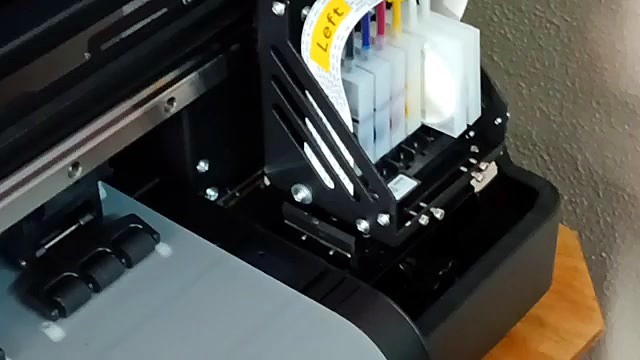
Keep a simple logbook
Write down the date and the part each time you replace something, and note whether it was an AM.CO.ZA genuine part. Keep your invoices. Together with the barcode, a logbook turns "I think it was serviced" into a record a buyer can trust.
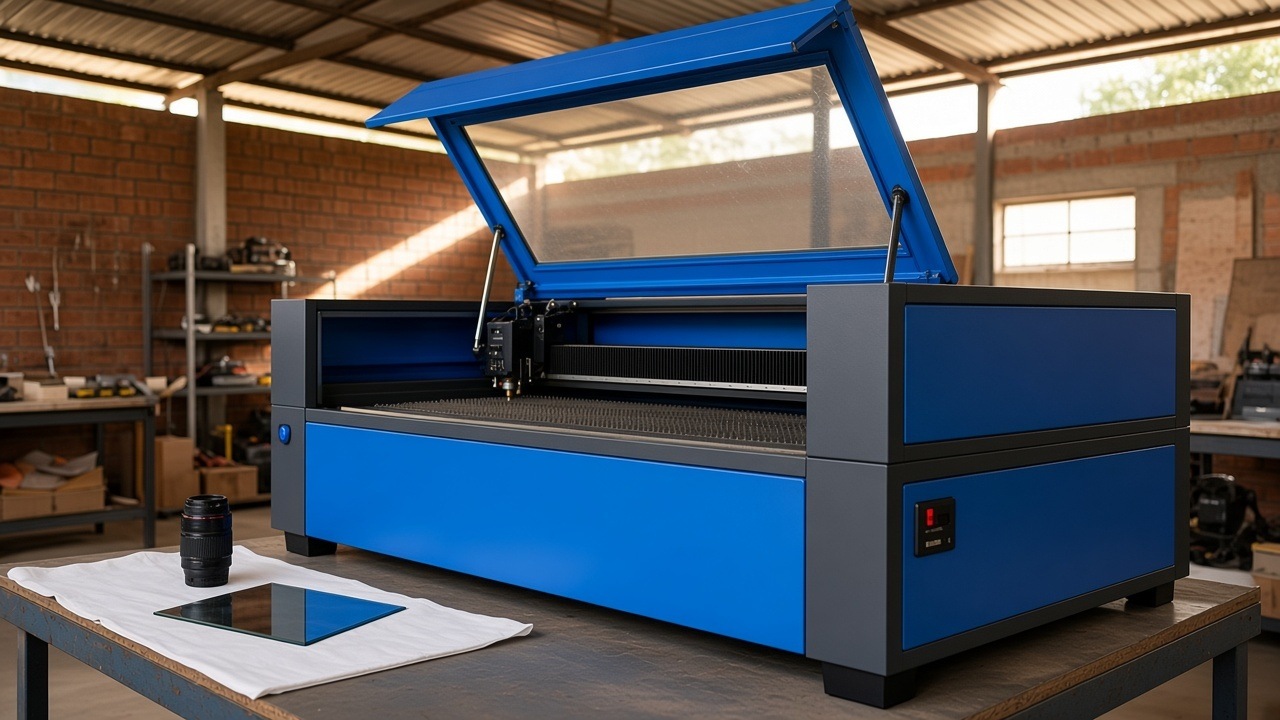
Inspecting a used machine, type by type
The checklist further down covers any machine. These checks go deeper for each machine type. None of them needs special tools. Where a check needs the machine to run, ask the seller to do it in front of you.
DTF, UV-DTF, UV flatbed and large format printers
- Print a nozzle check first. Missing lines can mean a blocked or damaged printhead, the most expensive wear part on the printer. A clean nozzle check is the best single sign of a well-kept printer.
- Look at the cap station and wiper. Dried ink, cracks or a torn wiper blade point to a printer that stood uncapped. Wipers such as the solvent-resistant wiper for dual-head printers are cheap to replace, but the damage from neglect may not be.
- Check the dampers and ink lines for air, leaks and old ink. Ask which ink was used. A printer run on mixed or unknown inks is harder to trust.
- Ask about white ink. On DTF and UV printers, white ink must circulate and be shaken. AM.CO.ZA's installation best-practice notes explain why: white ink that isn't circulated properly disappears mid-print.
- Check the encoder strip for ink or dust. A dirty strip makes the carriage lose its place.
- Confirm the RIP software. The buyer needs their own licence, so plan for that cost (see below).
CO2 lasers
- Ask how old the laser tube is and whether it has been replaced. Tubes such as the TruCUT 40 W glass tube are wear parts and sold on Buythis, so an old tube is a cost to plan for, not a reason to walk away.
- Look at the mirrors and focus lens. Burn marks, pitting or a hazy coating mean poor cutting. They're replaceable, but they tell you how the laser was cared for.
- Run a test cut in all four corners of the bed. Uneven cuts across the bed usually mean the beam is out of alignment. Alignment can be corrected, and AM.CO.ZA's videos show how.
- Check the cooling. A glass CO2 tube needs a working water chiller, such as the AM-5200 1400 W water chiller. Ask what water was used and whether the chiller has been cleaned.
- Check the laser power supply. It's a separate part, such as the 90 W CO2 laser power supply, and it should run without arcing or cutting out.
CNC routers
- Listen to the spindle at several speeds with no tool cutting. Roughness or noise at high speed can mean worn bearings. Spindles such as the 4.5 kW water-cooled spindle are listed on Buythis.
- Check the inverter that drives the spindle for error codes. Inverters such as the 5.5 kW three-phase inverter are replaceable parts.
- Look at the rails, racks and the bed. Dents, rust or a heavily scarred spoil board tell you how hard the router worked.
- Ask about the power supply in the workshop. Many larger routers run on three-phase power. On a single-phase supply, a phase converter such as PhaseMagic may be needed, and that's part of the cost of moving a router.
- Cut a test piece and check the edge finish and the size against the drawing.
Fibre lasers and plasma tables
- Look at the nozzle and protective lens on a fibre laser, and at the torch consumables on a plasma table. Worn consumables are normal. Damaged torch bodies or cracked lens holders are not.
- Cut a test piece in the thickest material you plan to use. Watch for dross, a bevelled edge or a cut that doesn't go through.
- Check the extraction and air supply. Both machines need clean, dry air and fume extraction to work well.
Heat presses and vinyl cutters
- Check the platen temperature in several spots with a surface thermometer. A press that's hot in the middle and cool at the edges gives patchy transfers.
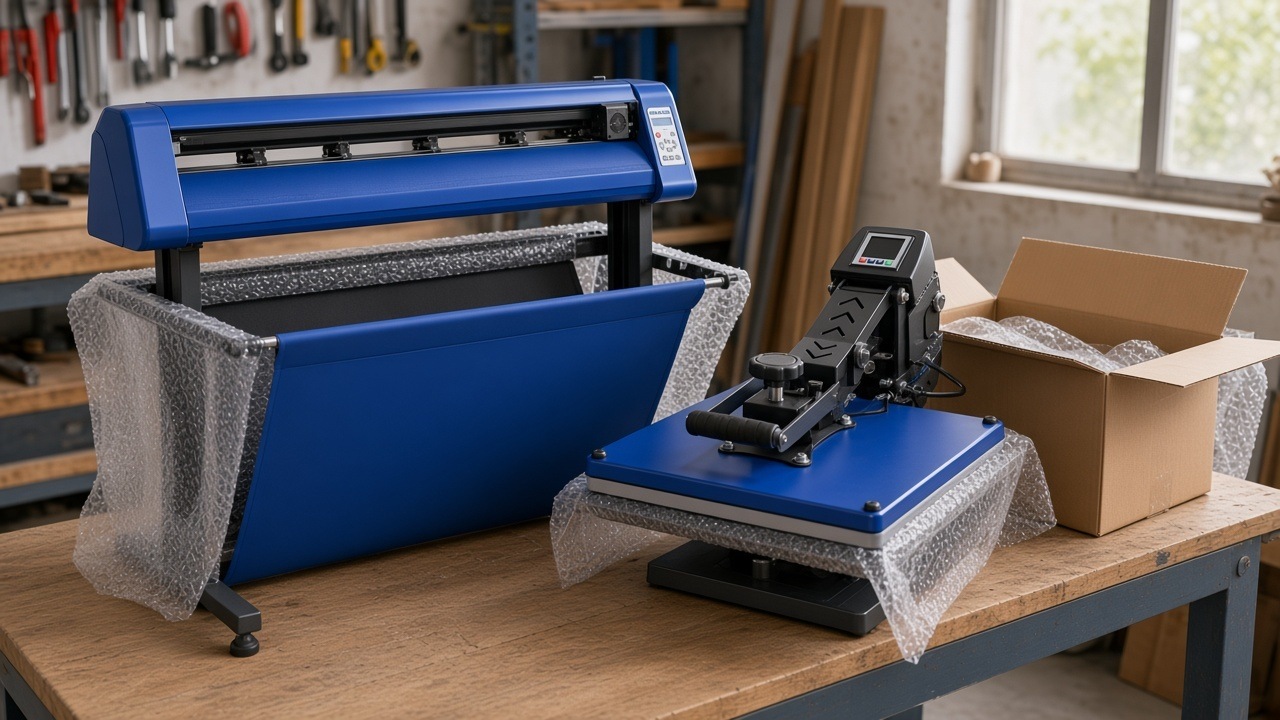
- Check the pressure is even, and that the handle or motor works smoothly. Heat press elements and controllers are among the parts Buythis lists for the main Heatware range.
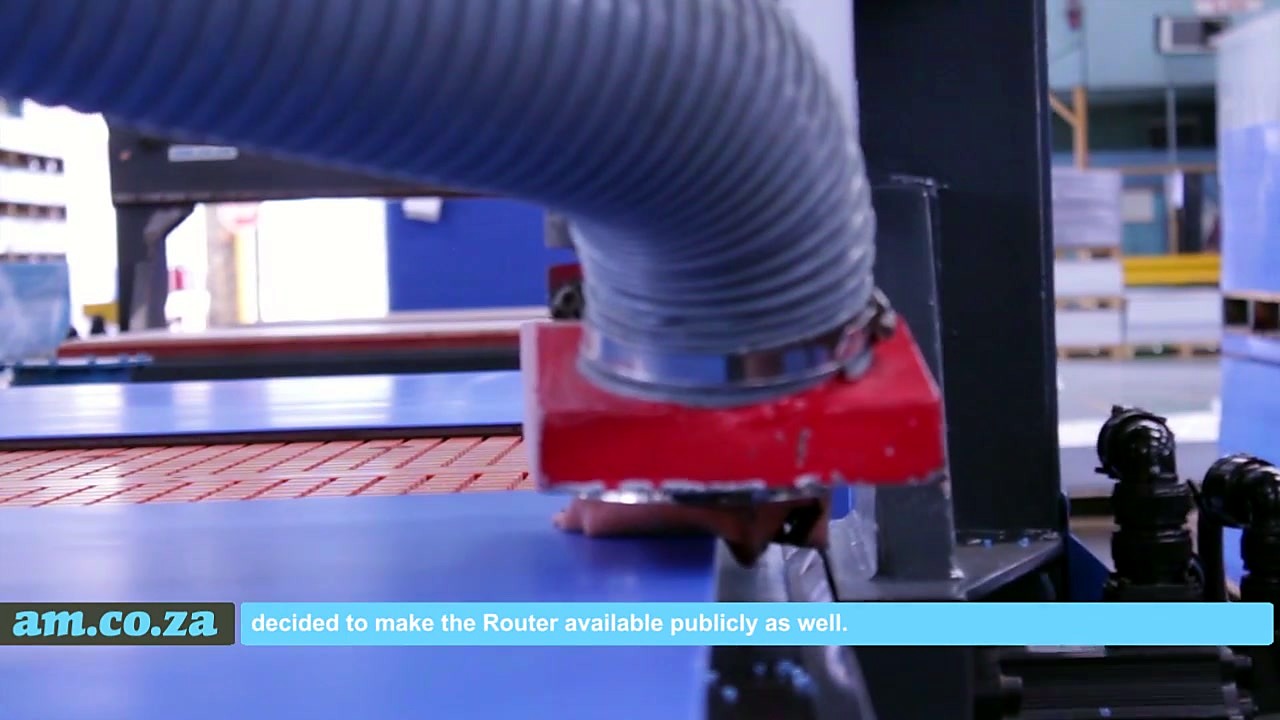
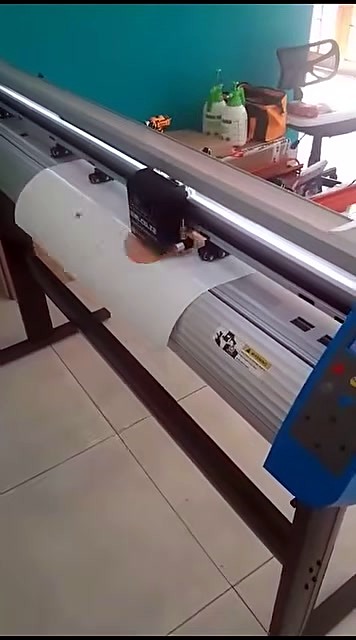
- On a vinyl cutter, cut a long job and watch whether the vinyl tracks straight. Check the blade holder, such as the Vinyl4 blade holder, and the cutting strip.
Paperwork that protects both sides
A good used-machine sale is mostly paperwork. Collect these before money changes hands:
- The barcode and a status check. AM.CO.ZA's status page explains that without a barcode AM.CO.ZA can't verify a machine's vendor, ownership, warranty or service information. Machines bought before 2019 may have no barcode at all, because the Fulfillment system was still being built. Their warranties have expired, but they may still qualify for consultation and drop-off services. To re-establish a barcode, the owner sends photos of the machine and its old barcode, with proof of purchase such as invoices or proof of payment.
- The original invoice, or a copy, and the seller's proof of payment. It ties the barcode to a real purchase.
- A written sale agreement that names the machine, its barcode, the price, what's included and its condition. If it's sold as is, say so.
- The maintenance logbook and the invoices for parts.
- A software note. Record which software was on the machine and confirm the seller has deactivated their licence.
If a VAT-registered business buys a used machine from a private seller who isn't a VAT vendor, it may be able to claim notional input tax. SARS explains that this is the tax fraction (15/115) of the lower of the price paid and the open market value, only to the extent that payment has been made. The buyer must keep a signed VAT 264 declaration completed by both parties. Ask your accountant before you rely on it.
Businesses that deal in second-hand goods as a trade are covered by a separate law. Under the Second-Hand Goods Act, "every person who carries on a business as a dealer must be registered". A one-off sale of your own machine is a different matter from running a second-hand dealership, but if you plan to buy and resell machines regularly, check the Act first.
Consumer law and private sales
South Africa's Consumer Protection Act gives consumers an implied warranty of quality. Within six months after delivery, a consumer may return goods that fail the Act's quality standards and ask the supplier to repair or replace them, or refund the price. If a repair doesn't fix the fault within three months, the supplier must replace the goods or refund the price. These rights are aimed at suppliers acting in the ordinary course of business, not at one owner selling a used machine to another. In a private sale, it's caveat emptor, "let the buyer beware". That's why the inspection and paperwork above matter so much.
Preparing your machine for sale
If you're the seller, a few hours of work can make the difference between a quick sale and a long one:
- Clean it properly. A clean machine photographs better and shows that it was looked after.
- Replace the cheap wear parts. A new wiper, cap, blade, collet or nozzle costs little and removes an objection.
- Run and record a test job. A short video of a real job is worth more than a list of specifications.
- Photograph the barcode with the machine, and include it in your advert so a buyer can check the status page.
- Deactivate your software. For InkRIP, AM.CO.ZA's activation guide explains that you deactivate from the Register menu by choosing Unbind, with an internet connection. Manual deactivation is allowed only twice in the software's lifetime, so don't leave it to chance.
- Gather the paperwork listed above.
- Describe it honestly. List what was replaced, what wasn't, and any faults you know of.
What a used machine does not come with
Be honest with yourself and with your buyer about these points:
- Software licences don't transfer. Under the software agreement, software ownership can't be transferred with a used machine. The original owner can deactivate the software and move it to another computer they control, but the new owner needs their own licence, for example VinylCut for vinyl cutters or InkRIP for printers.
- Older machines pay for setup help. Setup help for drivers and software is free for the first five years after dispatch; after that a setup fee applies (Buythis services).
- Some machines get no service. Machines sold voetstoots (as is) are sold without warranty or service, per AM.CO.ZA's voetstoots guide.
- Confirm cover on the Hobby range. The Heatware Hobby line is a lower-cost range sold alongside the main Heatware presses on Buythis. Before you buy Hobby for resale, ask AM.CO.ZA what parts and repair cover apply after the warranty. The main Heatware range is a different story.
- No listed trade-in programme. Buythis does not offer a trade-in path for an old machine as part payment, so you sell your used machine yourself.
South Africa's Consumer Protection Act sets rules for goods sold in the ordinary course of business. Private sales between individuals are often voetstoots, so check what you're buying before you pay.
A checklist for buying or selling a used AM.CO.ZA machine
- Get the machine's barcode and check it at am.co.za/status.
- Ask which parts were replaced, when, and whether they were AM.CO.ZA genuine parts. Ask to see the invoices.
- Look up the wear parts the machine will need next on Buythis, using the Buythis catalogue to match model codes.
- Watch the machine run a real job, not just switch on.
- Plan for software: the buyer needs their own licence.
- Save the support number, 060 600 7000, and have the barcode ready when you message.
- Book training if you're new to the machine type. The free videos at softwaretraining.co.za are a good start.
What clients say about their machines years later
These are verified Google reviews.
"Bought my FastCOLOUR large format printer 3 years ago and it still work as it did when i first got it." (Google review)
"I have the same vinyl cutter that I bought from Advanced Machinery 2 years ago and still makes a multitude of stickers every day My best buy ever." (Google review)
"First choice of shop for signage machine and material. their goods are well priced and are built to last." (Google review)
"For the past 3 years I have trusted and invested in the AM brand. I bought 5 machines in total from them and they have never disappointed me in the quality of their products. It just keeps on getting better." (Google review)
"I have personally bought machinery and accessories from Advanced Machinery over the past 5 years. We have used numerous suppliers over the years. However, from our experience, Advanced Machinery supersedes them all in their professionalism and high quality products. This company consistently meets or exceeds our expectations. They have introduced innovative processes, provided ground breaking printing equipment, reliable break fix service, and tremendous technical support." (Google review)
See the range, and how it's built
- The Machine Gallery has thousands of photos of AM.CO.ZA machines at work, by machine type.
- The Buythis catalogue explains AM.CO.ZA's model codes, so you can tell exactly which machine you're looking at.
- Factories of One, AM.CO.ZA's long study of South Africa's small-machine economy, looks at how one-person workshops use these machines to earn a living.
- The video Quality Check on EasyRoute CNC Router, Components and Specs walks through what goes into one of AM.CO.ZA's routers.
More from AM.CO.ZA by machine type
Each machine type has its own public pages for the range, photos and packages:
| Machine type | Range | Photos | Packages |
|---|---|---|---|
| CNC routers | AM.CO.ZA CNC routers | Gallery | Buythis CNC routers |
| CO2 lasers | AM.CO.ZA CO2 lasers | Gallery | Buythis CO2 lasers |
| Fibre laser cutters | Buythis fibre laser cutters | Gallery | Buythis fibre laser cutters |
| Plasma cutters | AM.CO.ZA plasma cutters | Gallery | Buythis plasma cutters |
| Printers | AM.CO.ZA printers | DTF gallery | Buythis catalogue |
| Heat presses | AM.CO.ZA heat presses | Gallery | Buythis heat presses |
| Vinyl cutters | Buythis vinyl cutters | Gallery | Buythis vinyl cutters |
| Laser markers | Buythis laser markers | Gallery | Buythis laser markers |
Cheers VIP membership, which sets AM.CO.ZA's public prices, is explained at cheers.co.za. A product's day-by-day price record is published on he3.co.za, for example the price history of the Heatware 380 × 380 mm clamshell press, which is useful when you want to know what a new machine of the same type costs today.
Read next
- Service and spare parts: what you get after you buy from AM.CO.ZA
- AM.CO.ZA prices: what you get for the money
- Need time, on a budget, or looking for finance? Planning an AM.CO.ZA machine purchase
- Factories of One: an AM.CO.ZA study of South Africa's small-machine economy
Talk to AM.CO.ZA
Thinking of buying new instead? Send "Hi" on WhatsApp to 060 600 6000 for sales, or see am.co.za/contact. If you already own an AM.CO.ZA machine, new or used, message 060 600 7000 for support and have the barcode ready. You can also reach AM.CO.ZA through am.co.za/contact. To learn more about the company, see am.co.za/about.
Sources
1. South African law, tax and government
- SARS. Interpretation Note 47 (Issue 5): Wear-and-tear or depreciation allowance, section 11(e). https://www.sars.gov.za/wp-content/uploads/Legal/Notes/LAPD-IntR-IN-2012-47-Wear-And-Tear-Depreciation-Allowance.pdf
- SARS. Binding General Ruling 7 (Issue 4): Wear-and-tear or depreciation allowance. https://www.sars.gov.za/wp-content/uploads/Legal/Rulings/BGR/LAPD-IntR-R-BGR-2012-07-Wear-And-Tear-Depreciation-Allowance.pdf
- SARS. Interpretation Note 9 (Issue 7): Small business corporations. https://www.sars.gov.za/wp-content/uploads/Legal/Notes/LAPD-IntR-IN-2012-09-Small-Business-Corporations.pdf
- Income Tax Act 58 of 1962, section 12E, via Acts Online. https://www.acts.co.za/income-/12e__deduction_in_respect_of_certain_plant_and_machinery_of_small_business_corporations
- SARS. VAT Connect Issue 20 (October 2025): notional input tax on second-hand goods. https://www.sars.gov.za/businesses-and-employers/my-business-and-tax/vat-connect-issue-20-october-2025/
- SARS. VAT 264: Declaration for the supply of second-hand goods. https://www.sars.gov.za/wp-content/uploads/Docs/VAT/VAT-264-declaration-for-the-supply-of-second-hand-goods-external-form.pdf
- Consumer Protection Act 68 of 2008 (Government Gazette). https://www.gov.za/sites/default/files/32186%5F467.pdf
- Consumer Protection Act, section 56: Implied warranty of quality, via Acts Online. https://www.acts.co.za/consumer_protection_act_2008/56_implied_warranty_of_quality
- Second-Hand Goods Act 6 of 2009 (Government Gazette). https://www.gov.za/sites/default/files/gcis_document/201409/32087392.pdf
2. Wikipedia
- Depreciation: https://en.wikipedia.org/wiki/Depreciation
- Residual value: https://en.wikipedia.org/wiki/Residual_value
- Grey market: https://en.wikipedia.org/wiki/Grey_market
- Right to repair: https://en.wikipedia.org/wiki/Right_to_repair
- Planned obsolescence: https://en.wikipedia.org/wiki/Planned_obsolescence
- Caveat emptor: https://en.wikipedia.org/wiki/Caveat_emptor
- Spare part: https://en.wikipedia.org/wiki/Spare_part
- Original equipment manufacturer: https://en.wikipedia.org/wiki/Original_equipment_manufacturer
- Inkjet printing: https://en.wikipedia.org/wiki/Inkjet_printing
- Laser cutting: https://en.wikipedia.org/wiki/Laser_cutting
- CNC router: https://en.wikipedia.org/wiki/CNC_router
- Plasma cutting: https://en.wikipedia.org/wiki/Plasma_cutting
- Heat press: https://en.wikipedia.org/wiki/Heat_press
3. Grokipedia
- Depreciation: https://grokipedia.com/page/Depreciation
- Right to repair: https://grokipedia.com/page/Right_to_repair
- Spare part: https://grokipedia.com/page/Spare_part
4. AM.CO.ZA, Buythis and partner sites
- AM.CO.ZA. About. https://am.co.za/about
- AM.CO.ZA. Machine status by barcode. https://am.co.za/status
- AM.CO.ZA knowledge base. Check status of Fulfillment-managed items. https://8i.co.za/data/amcoza/sources/company/fulfillment-status.html
- AM.CO.ZA knowledge base. Voetstoots sales and imports compared. https://8i.co.za/data/amcoza/sources/company/cornerstone-voetstoots.html
- AM.CO.ZA knowledge base. Advantage of using genuine parts and consumables. https://8i.co.za/data/amcoza/sources/company/legalstuff-genuine-parts.html
- AM.CO.ZA knowledge base. InkRIP download, activation and deactivation. https://8i.co.za/data/amcoza/sources/company/inkrip-download-activation-deactivation.html
- AM.CO.ZA knowledge base. Best practice when installing AM.CO.ZA printers. https://8i.co.za/data/amcoza/sources/company/prevision-best-practice-installing-printers.html
- CNCU.CO.ZA, software and driver repository. https://cncu.co.za/
- SoftwareTraining.co.za. https://softwaretraining.co.za/
- SortIT.co.za. https://sortit.co.za/
- Machine.Africa. https://machine.africa/
- Ambitious Academy. https://ambitious.academy/
- Cheers VIP. https://cheers.co.za/
- AM.CO.ZA. https://am.co.za/
- Buythis spare parts. https://buythis.co.za/spare-parts#ai
- Buythis catalogue. https://buythis.co.za/#ai
- 8i.co.za Machine Gallery. https://8i.co.za/data/amcoza/images/gallery/
- Buythis services. https://buythis.co.za/x-service-setup#ai